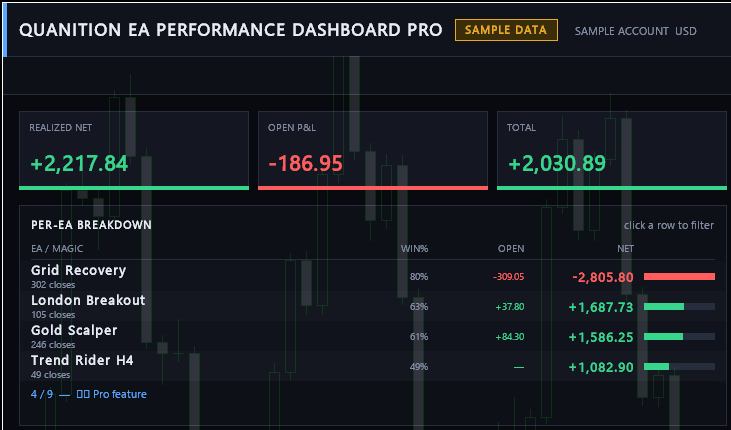
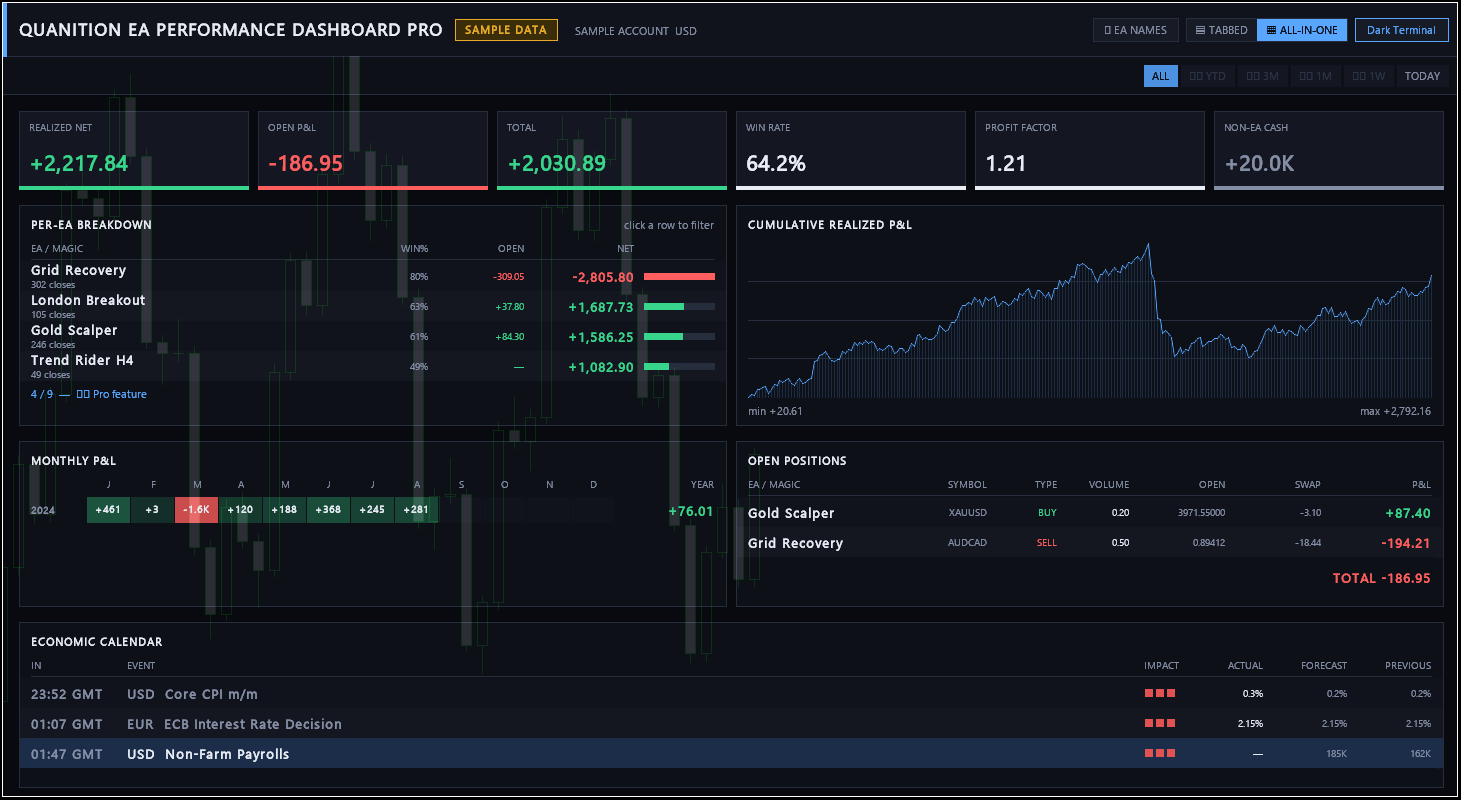
Prices observed on 20 October 2026. Check the current price and terms on MQL5 before purchasing.
Is this the right fit?
For traders who want to start with a free, read-only view of their EA results.
Requirements and limits
- Free Pro has limits on EA count and available views. Its periods are ALL and TODAY; open P/L refreshes on a 60-second timer. Check the current MQL5 description for the full limits.
- Available account history and Magic Number assignments affect grouping and totals.
- This is an analysis utility. It does not manage orders or forecast returns.
Start with your account history
Both dashboards are read-only: they do not place, modify or close trades.
Get the product
Use your MQL5.community account to download Quanition EA Performance Dashboard Pro for free or purchase Quanition EA Performance Dashboard Ultra under the terms shown on its product page.
Sign in inside MT5
Open Tools → Options → Community and sign in with the same MQL5.community account used to obtain the product.
Open the dashboard
For free Pro or a purchased Ultra license, open Navigator → Market → My Purchases → Applications, install if needed, then drag the product onto a chart for the account you want to inspect. Open Ultra’s Market demo only in Strategy Tester visual mode.
Check the records
Check the account’s available trade history and the dashboard’s selected period. Statistics depend on the relevant records available.
If statistics are empty
- Check the selected account, its available history and the dashboard period.
- Ultra’s Market demo uses records in its Strategy Tester instance, not your connected account’s history.
- Without relevant records, statistics may be empty. Use free Pro with existing account history; no new trades are needed to try it.
Free Pro: refresh and periods
Open P/L in free Pro updates on a 60-second timer, not on every price tick. A smaller RefreshMs setting does not shorten this interval. Its period filters are ALL and TODAY. The RECENT trade tape has a 12-hour delay; that delay does not apply to period totals or open P/L.
When Health has no verdict (Ultra)
When Health shows “—” in the table (“-” in a report), check the selected period and that Magic Number’s Closes count. The rule gives no verdict with fewer than 10 closing deals, or when gross profit and gross loss are both zero.
How EA groups work
Trades are grouped by Magic Number. EAs sharing a number are combined. Changing display names does not separate those records.
For a concentration check, return to the combined view and read POSITIONS by Magic Number, symbol, side and volume. Compare account asset totals in MT5's standard Exposure tab. For FX, a Buy has long exposure to the first currency and short exposure to the second; raw lot totals and floating P/L do not give the combined currency amounts. Exposure depends on the account's margin model and includes free margin for the deposit currency. The dashboard does not calculate exposure totals by currency or correlations. A shared Magic Number cannot identify separate EAs.
Free Pro and the Ultra demo
Pro runs on a normal account chart. Ultra’s Market demo runs only in Strategy Tester visual mode. An empty tester panel does not show that your connected account has no history.
Questions and updates
Use the product’s MQL5 page for questions, documentation, and version history. This site introduces the product; MQL5 handles purchases, licensing, and downloads.
Open the official listing ← All products